

How to Use an Electric Sweeper: Step-by-Step Guide for Optimal Performance
Release time: 2026-03-31
Electric sweepers are essential for efficient, eco-friendly cleaning in commercial spaces, factories, schools, and large residential areas. Unlike traditional manual sweeping, electric floor sweepers save time, cut labor costs, and deliver a deeper clean—making them a top choice for busy property managers and homeowners alike. While electric sweeper models (including ride-on and walk-behind types) vary slightly in design, their core operation steps remain consistent. This comprehensive guide teaches you how to use an electric sweeper correctly, safely, and effectively, helping you maximize its performance, extend its lifespan, and get the most out of your investment.
Key Preparations Before Using an Electric Sweeper
Pre-Operation Check for Electric Sweepers
Before operating an electric sweeper, a thorough pre-operation check is critical to avoid malfunctions, ensure safety, and maintain optimal cleaning performance. First, check the electric sweeper battery level—most models feature a digital display or indicator light to show charge status. Always ensure the battery is fully charged (ideally above 42V) to prevent sudden shutdowns mid-cleaning, which can disrupt your workflow. Next, inspect the sweeping components: clear the main brush and side brushes of hair, ropes, or debris that could block rotation, verify they are properly installed, and check for excessive wear (worn brushes reduce cleaning efficiency). Finally, examine the tires for proper inflation and damage, and confirm the dustbin is empty and securely attached to avoid dust leakage.
Step-by-Step Guide to Starting an Electric Sweeper
Starting a Ride-On Electric Sweeper
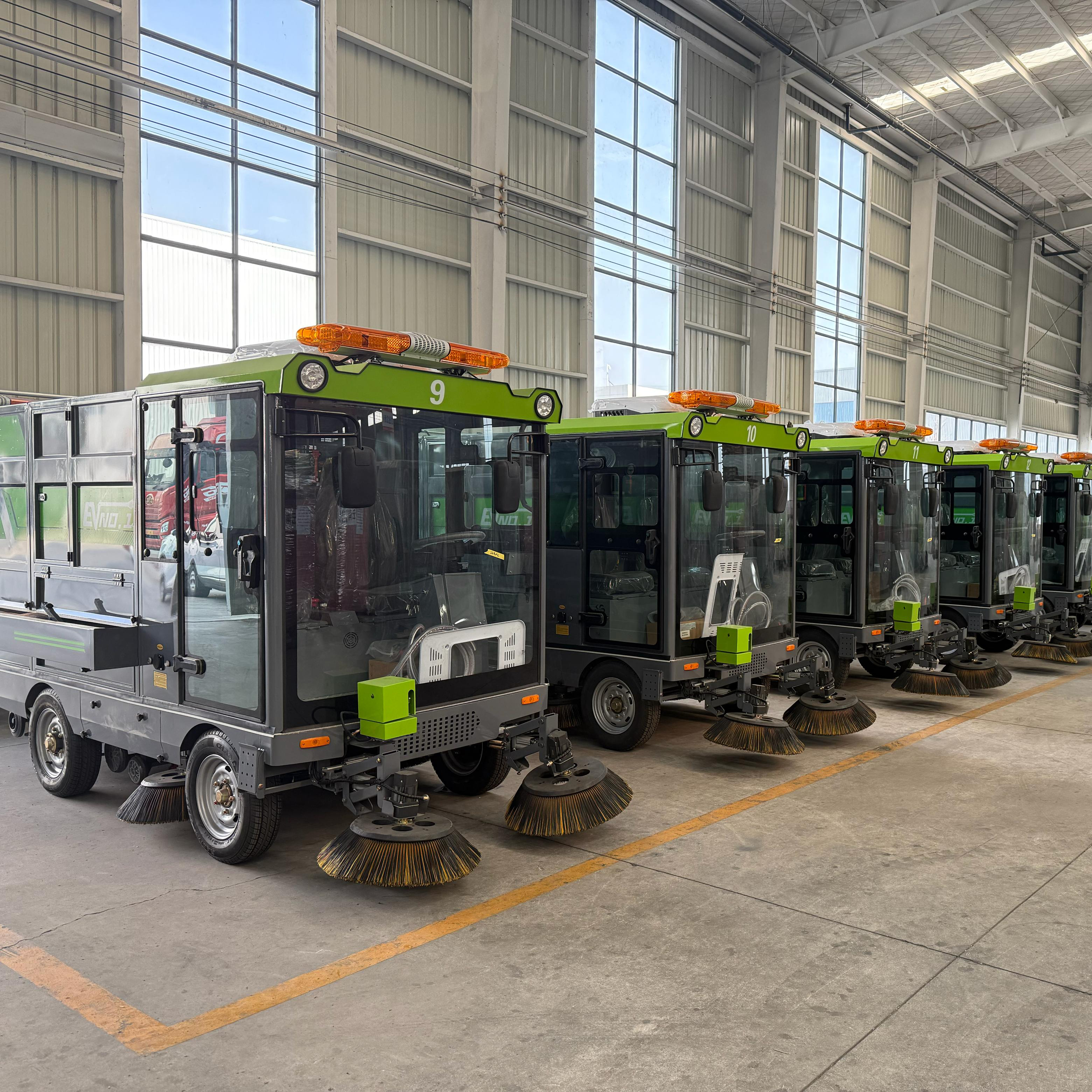
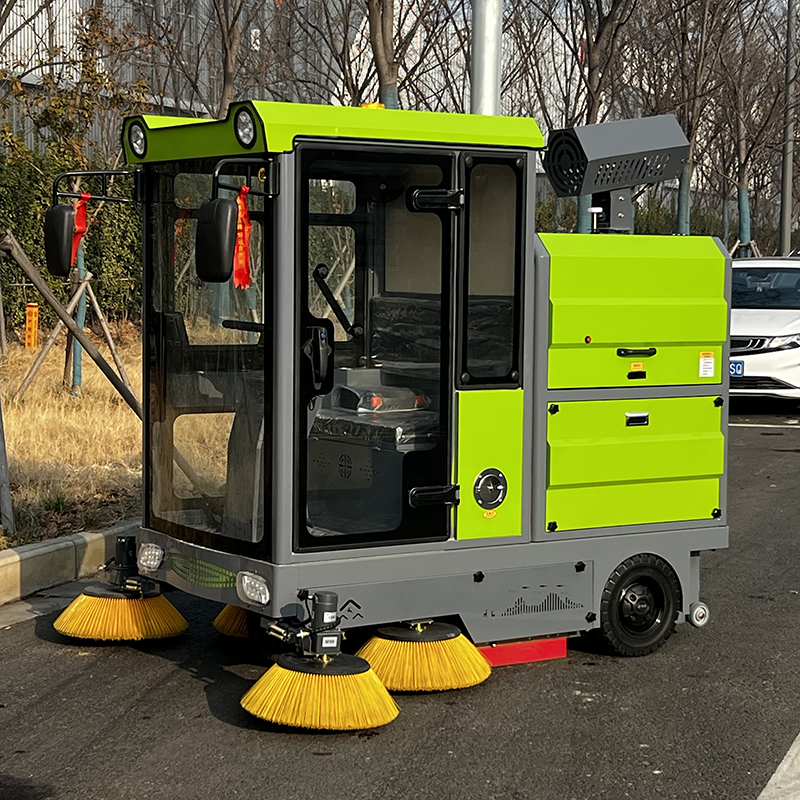
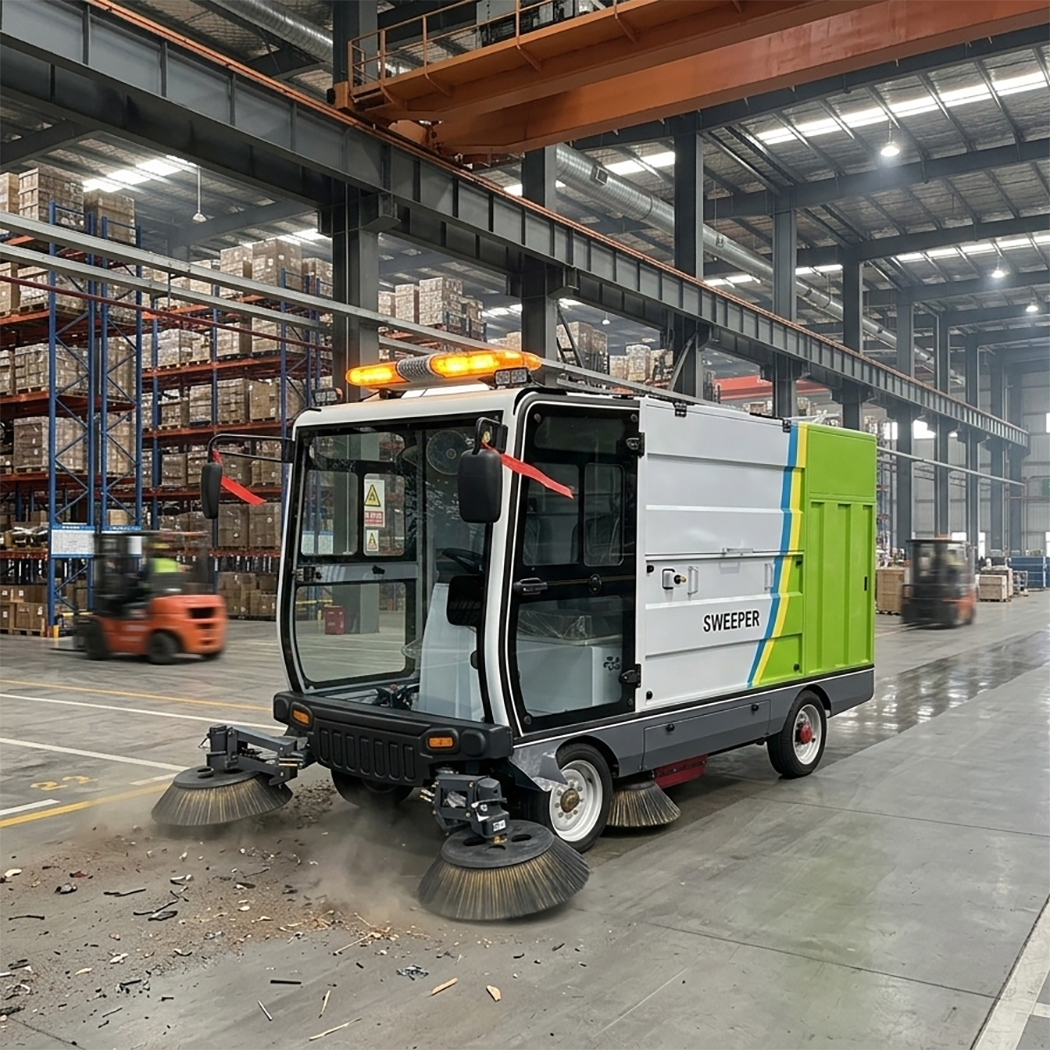
For ride-on electric sweepers, insert the key and turn it clockwise until the dashboard illuminates, signaling the power is on. Adjust the seat and rearview mirror for comfort and clear visibility, then release the handbrake and shift to forward (D) or reverse (R) gear as needed.
Starting a Walk-Behind Electric Sweeper
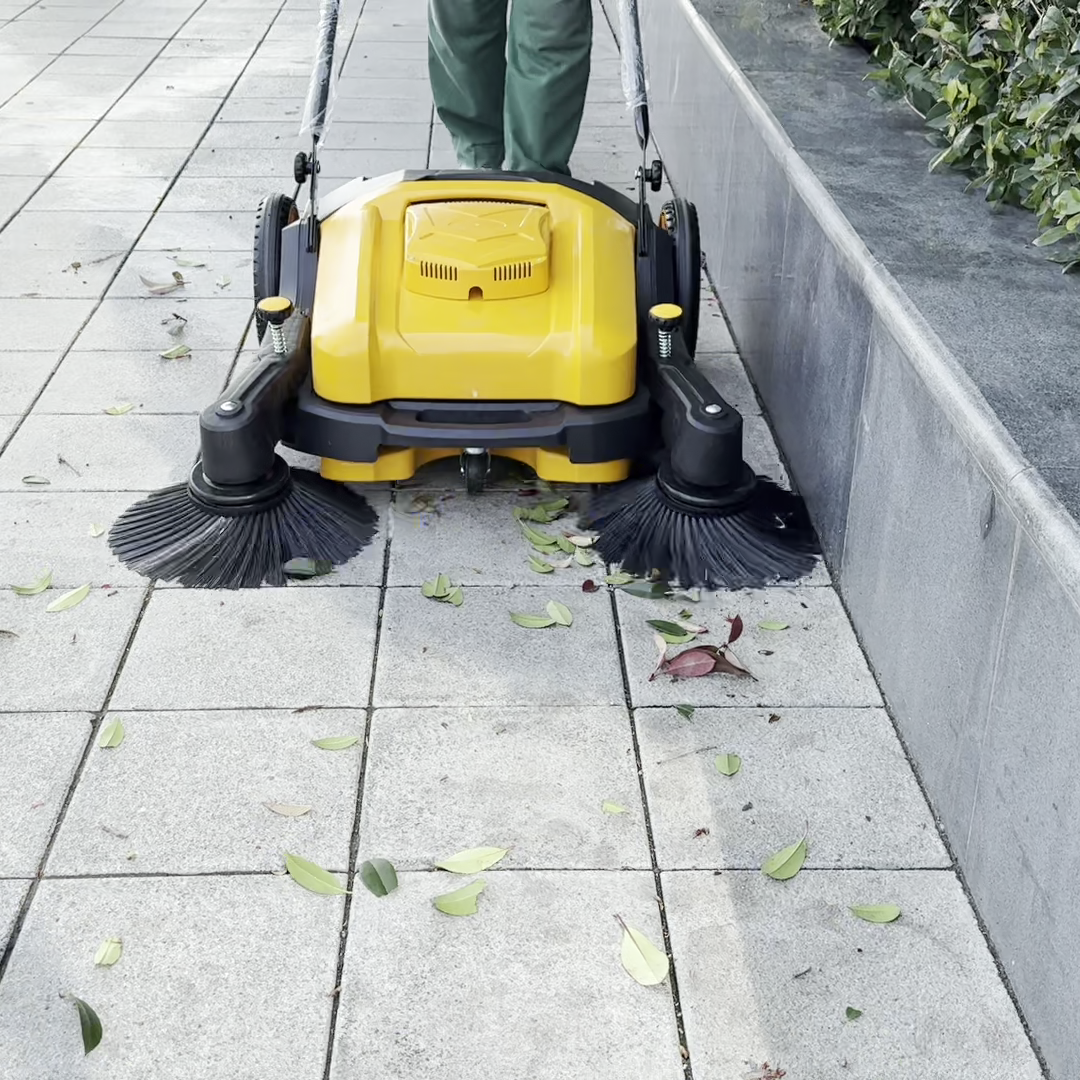
For walk-behind electric sweepers, hold the handle firmly, press the power button to activate the machine, and ensure the control panel lights up to confirm it’s ready for use.
How to Clean Efficiently with an Electric Sweeper
Activating Sweeping Components
To start cleaning with your electric sweeper, press the control panel buttons to activate the main brush, side brushes, and vacuum system—these components work together to capture dust, dirt, and debris efficiently.
Adjusting Brush Height for Different Floor Surfaces
Adjust the brush height based on your floor surface: lower the brushes for smooth floors (tile, hardwood, laminate) to ensure maximum contact, and raise them slightly for carpets or uneven surfaces to avoid damage and maintain suction.
Optimal Cleaning Speed and Pattern
Drive the electric sweeper at a steady, moderate speed (avoid sudden acceleration or braking) and follow a systematic pattern (back-and-forth or side-to-side) to ensure no area is missed. For large debris (e.g., leaves, small stones), use the dedicated large debris pedal (if your electric sweeper has one) to help the main brush collect it without clogging, which preserves cleaning efficiency.
Important Safety Tips for Electric Sweeper Use
Personal Protective Equipment (PPE) Requirements
Wear appropriate personal protective equipment (PPE), such as a helmet and reflective vest, especially in busy commercial or industrial settings where foot traffic is high.
Hazardous Surfaces and Materials to Avoid
Avoid using your electric sweeper on wet surfaces, deep puddles, or near flammable materials—water can damage the machine’s electrical components, and flammable materials pose a fire risk.
Dustbin Maintenance During Operation
Monitor the dustbin regularly; empty it promptly when full to maintain strong suction power and prevent dust overflow, which can negate your cleaning efforts and create a mess.
Shutdown and Maintenance Steps for Electric Sweepers
Proper Shutdown Procedure
After completing your cleaning task, follow these steps to shut down your electric sweeper: First, turn off the sweeping functions (brushes and vacuum), then stop the machine, engage the handbrake, and turn off the power by rotating the key counterclockwise.
Post-Cleaning Maintenance Tasks
Empty the dustbin, clean the filter screen (a clogged filter reduces suction), and remove any remaining debris from the main and side brushes to prevent buildup. Wipe the electric sweeper’s body with a dry cloth to remove dust and grime, and store it in a dry, well-ventilated area.
Battery Charging Guidelines
If the battery is low, connect it to the manufacturer-recommended charger and charge it for 6-8 hours to ensure it’s fully charged for your next use.
Final Tips for Maximizing Electric Sweeper Performance
By following these step-by-step instructions, you can use your electric sweeper efficiently, safely, and effectively, keeping your space clean while getting the most value from your machine. Always refer to your electric sweeper’s user manual for model-specific features or instructions, as some models may have unique controls or maintenance requirements. Regular maintenance and proper operation will ensure your electric sweeper remains a reliable, hassle-free cleaning tool for years to come. Whether you’re using a ride-on or walk-behind electric sweeper, these tips will help you achieve optimal cleaning results every time.